
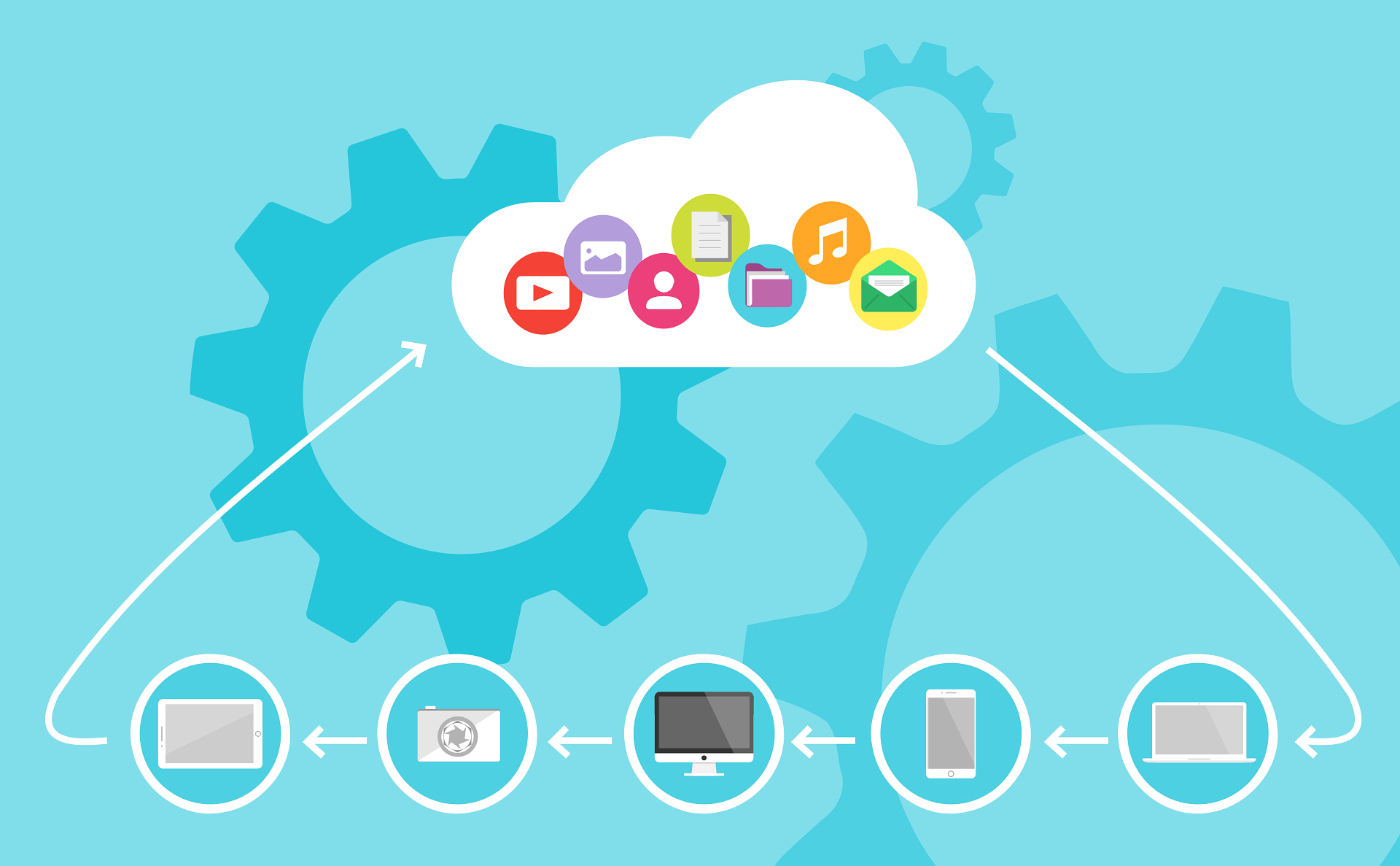
If your data is hosted in the cloud, you no longer have to buy, maintain and replace a server at the office yourself. Cloud computing often reduces costs and simplifies management. But it still needs to be planned: without a minimum of oversight, subscriptions pile up and the bill climbs.
Here is how to benefit from affordable and secure cloud management for your business data.
Office server or cloud: two cost models
The two approaches are not paid for the same way:
- With an on-site server, you invest in hardware all at once, then take on its maintenance, backups, energy consumption and replacement after a few years. To make the purchase pay off, you have to make the most of it.
- In the cloud, you pay a monthly or annual subscription, usually per user or based on the space used. The provider takes care of the hardware, its availability and its physical security.
For most small businesses, the cloud offers more flexibility: you add or remove users as needed and access your files from the office, from home or on the road.

Common cloud solutions for small businesses
You may already be using the cloud without knowing it. Among the most widespread tools:
- Microsoft 365, which includes Exchange email, OneDrive personal storage and SharePoint shared spaces;
- cloud backups, which automatically copy your data off-site;
- online software (accounting, project management, customer relations), paid by subscription.
The key is to choose tools that complement each other rather than multiplying services that do the same thing.
Setting your management budget
A cloud budget is planned like any other recurring expense. A few best practices:
- Take inventory of your subscriptions. It is common to pay for former employees’ accounts or for two overlapping services.
- Choose the right plan for each user. Not everyone needs the most complete version. For example, Microsoft now offers some Microsoft 365 suites with or without Teams: it is worth comparing based on your actual needs.
- Opt for an annual commitment when your needs are stable: it often costs less than paying monthly.
- Keep an eye on storage space. Duplicate files, old versions and videos can drive up the bill quickly.
- Review your budget at least once a year, at the same time as the inventory of your IT fleet.
Setting controls precisely
The cloud is secure… as long as it is properly configured. Most incidents come from poor settings, not from a flaw at the provider.
Managing access
Give each employee only the access they need. Remove it right away when someone leaves, and avoid shared accounts.
Enabling multi-factor authentication
Multi-factor authentication (a code received on your phone, for example) blocks the vast majority of account hacking attempts. It is one of the most effective and least costly measures. Scams are also becoming more and more convincing: see our 7 reflexes to avoid the trap.
Controlling file sharing
Limit “anyone with the link” sharing and set an expiry date on external shares. Check regularly what is being shared outside the business.

Questions to ask before choosing a solution
Before subscribing to a new cloud service, take a few minutes to check these points:
- Where is the data hosted? In Canada, the United States, elsewhere? This information matters for your personal information obligations.
- How can you get your data back? If you change providers, will you be able to export your files easily, and in what format?
- What security measures are offered? Multi-factor authentication, encryption, access logs.
- Does the service integrate with your current tools? Software that does not communicate with your email or accounting system is likely to create duplicate work.
- What is the real cost? Consider the price per user, paid options and the renewal price after the introductory offer.
These answers will spare you unpleasant surprises and help you compare offers on an equal footing.
Don’t forget backups
A common mistake is to believe that data in the cloud is automatically backed up. Providers ensure their service is available, but a file deleted by mistake, overwritten or encrypted by ransomware can be lost if you do not have your own copy. An independent backup of your cloud data remains a good practice.
Protecting personal information
In Quebec, Law 25 governs the protection of personal information. If you store information about your customers or employees in the cloud, you must know where it is stored, who has access to it and how it is protected. When personal information is communicated outside Quebec, a privacy impact assessment is required, among other things. Choosing your providers and configuring access are therefore part of your obligations.
In summary
When well planned, cloud computing is an affordable way to manage your data: you pay for what you use, access your files anywhere and reduce hardware maintenance. To get the most out of it, take inventory of your subscriptions, choose the right plans, configure access carefully and keep an independent backup.
Want to take stock of your cloud services? Our IT support team can assess your setup and help you reduce your costs. Contact us.


0 Comments