
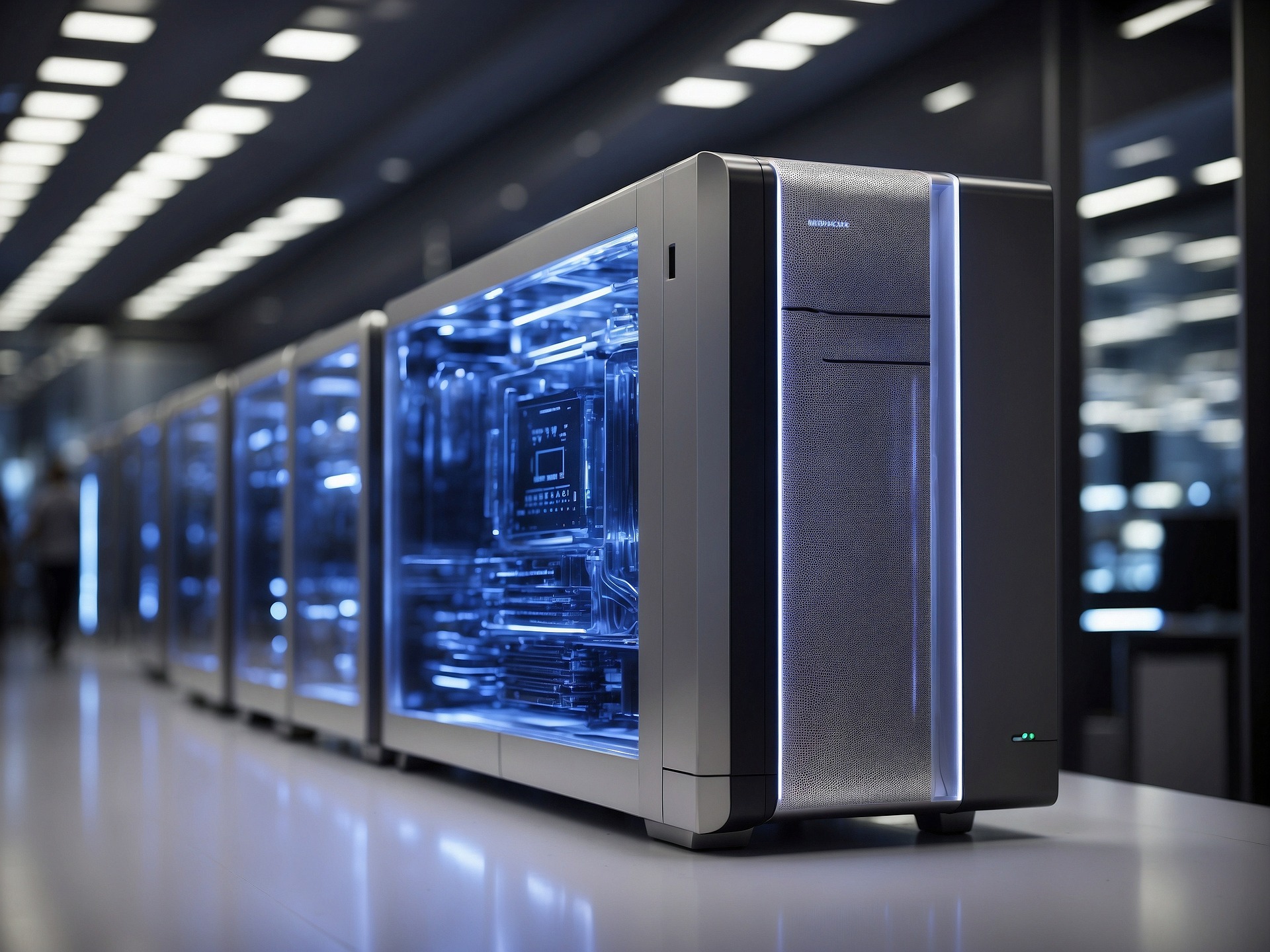
You have probably been told this before: keeping control over your entire IT fleet should be a priority. Computers, servers, printers, phones, software, licences and cloud accounts: each element has a direct effect on your team’s productivity, the security of your data and your costs. Yet in a small business, these tools often pile up as needs arise, without an overall view.
Here is why managing your IT fleet well pays off, and how to put it in place step by step.
Why manage your IT fleet?
Make better decisions
Your IT system is a real ally for making strategic decisions. When you know exactly what you own, what condition each device is in and when it will need to be replaced, you get:
- a clearer view of your resources;
- a more accurate budget;
- the ability to anticipate your team’s needs, instead of reacting in a rush.
Reduce and prevent risks
Regular updates and maintenance of your infrastructure prevent many problems: viruses, breakdowns, data loss or security flaws that could damage your reputation with your customers and suppliers. A forgotten device in a corner that no longer receives updates is often the entry point for an attack.
Threats do not always come from outside, either. A shared password, a former employee who still has access to certain accounts or a simple handling error can be enough. Knowing who has access to what is part of good management.
Keep the business running smoothly
Managers know how hard it is to coordinate internal and external activities (sales, purchasing, customer service). Reliable, well-configured and compatible tools reduce interruptions and wasted time.
Invest more wisely
Structured management keeps you from buying duplicate equipment, paying for unused licences or keeping a device that slows everyone down for too long. Your technology investments then truly serve your goals.
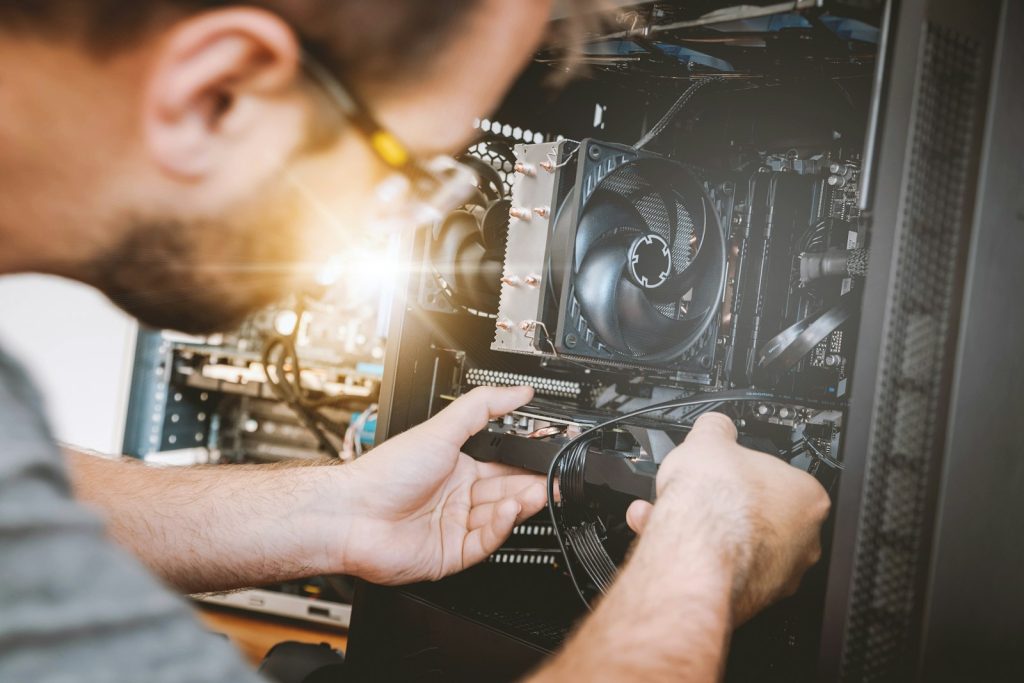
The 5 steps of effective management
1. Take inventory
Everything starts with an up-to-date list of your equipment and software. For each device, record at least:
- the type, brand and model;
- the user or location;
- the purchase date and warranty end date;
- the operating system and its version;
- the installed software and associated licences.
A simple spreadsheet can be enough at first. With ten or more workstations, a centralized management tool will save you a lot of time.
2. Plan the device life cycle
A work computer has a limited useful life. Rather than waiting for it to break down, plan to replace your workstations in stages. Your budget stays stable from one year to the next and you avoid unexpected downtime.
This is also the time to check that your devices are compatible with up-to-date systems. Support for Windows 10 ended on October 14, 2025: if some of your workstations still run it, read our article Windows 10: end of support, what to do?. And when it is time to replace a workstation, it is important to choose the right computer.
3. Keep everything up to date
Updates to the operating system, software and firmware (routers, firewalls, printers) fix security flaws. Automate them whenever possible and check regularly that they install properly on all devices.
4. Manage access and licences
Keep an up-to-date list of accounts and licences (Microsoft 365, antivirus, specialized software). Whenever an employee joins or leaves, add or remove access right away. You will avoid both security gaps and licences paid for nothing. For your Microsoft subscriptions, see our articles on Microsoft licensing.
5. Back up and document
Your data should be backed up regularly, ideally in more than one place, and you should test from time to time that you can restore it. Also document your procedures: who to call in case of a breakdown, where the administrator passwords are kept, how to set up a new workstation.

Call on IT professionals
The constant evolution of technology brings its share of challenges. To stay competitive, a business has to keep up with new developments, protect its sensitive data and respond quickly to incidents, which are increasingly frequent. For a small business, it is rarely realistic to keep all these skills in-house.
Entrusting the management of your fleet to an IT partner allows you, among other things, to:
- have your tools and needs audited;
- track the status of your licences and equipment;
- apply updates and security best practices;
- count on fast support when a problem arises;
- keep your team focused on your core business.
At Solutions Techno-Rédac, our IT support and fleet management service is designed for small and medium businesses in the Quebec City region. We take care of monitoring and maintaining your workstations, updates, setting up new computers, your networks and your IT security. Need new devices? We also offer sales of new and refurbished computers.
In summary
Managing your IT fleet well comes down to five habits: knowing what you own, planning the replacement of your devices, keeping everything up to date, controlling access and backing up your data. The result: fewer interruptions, better-controlled costs and a better-protected business.
Would you like to take stock of your IT fleet? Contact us: we will assess your environment and propose a plan suited to your business.



0 Comments